
The easiest way to split a receipt by item is to give every line to the people who had it, add up each person's lines, then share tax and any service charge in proportion to those totals. You can do it with an app that scans the receipt, or with a pen and a phone calculator in about five minutes.
Picture this. Four friends finish dinner and the waiter drops a receipt as long as a scarf. Priya starts reading lines out loud, Jonas asks who had the second beer, and somebody says "let's just split it four ways." Two people quietly wince.
That moment is exactly what item-by-item splitting fixes. Here is the whole method, then the app version.
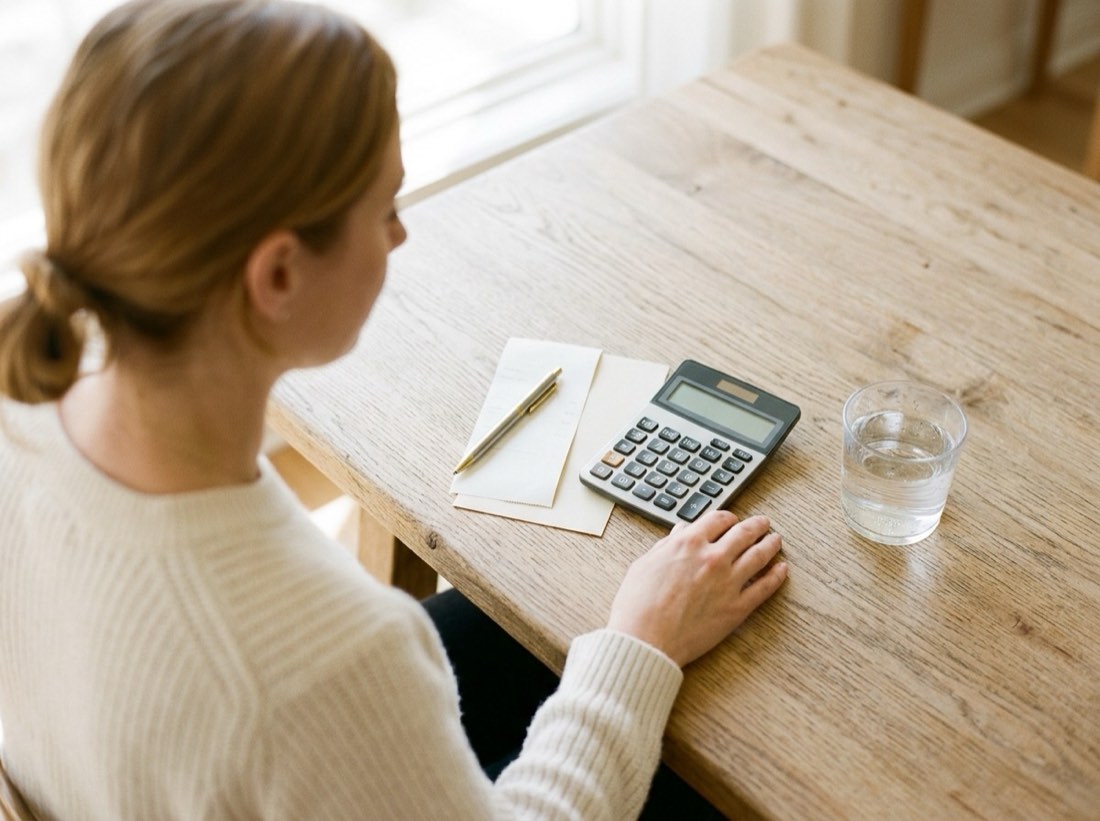
How to split a receipt by item without an app
You only need the receipt, a pen and a calculator. Work through these steps in order.
1. Mark every line with initials
Write each person's initials next to what they ate or drank. Do this at the table while everyone still remembers.
If you only have a photo, draw on it or copy the lines into a note.
2. Deal with shared dishes first
A shared dish is split equally between the people who actually ate it. A starter that three people picked at is not the fourth person's problem.
Write the initials of everyone involved on that line, then divide the price by the number of initials. Some groups prefer to split all shared plates across the whole table to keep things simple. Either is fine, as long as you agree before you start.
3. Total each person's food and drink
Add each person's own lines to their share of the shared dishes. This is their subtotal.
Add all the subtotals together. The result should match the receipt's subtotal, the figure before tax and service. If it does not, a line is missing or counted twice.
4. Share tax and service charge in proportion
Do not divide tax and service equally. Work out the percentage instead: service charge divided by the receipt subtotal, or tax divided by the receipt subtotal.
Then multiply each person's subtotal by that percentage and add it on. Someone who ordered twice as much pays twice as much of the extra. For more on how tips and tax fit together, see how to split tip and tax.
5. Round once, then check the total
Round each person's final amount to the nearest cent or penny. Add the results and compare with the receipt total.
If you are a penny out, let the person who paid absorb it, or nudge one share up. Do not round every line along the way, because small errors pile up.
A worked example with shared dishes and a service charge
Four friends eat out in London. The bill has a 12.5 percent service charge and no separate tax line, because UK prices usually include VAT. The burrata (9.00) was shared by Priya, Tomás and Hannah. The fries (6.00) were shared by all four.
| Person | Own items | Shared dishes | Subtotal | Service (12.5%) | Pays |
|---|---|---|---|---|---|
| Priya | 21.00 | 4.50 | 25.50 | 3.19 | 28.69 |
| Tomás | 19.00 | 4.50 | 23.50 | 2.94 | 26.44 |
| Hannah | 14.00 | 4.50 | 18.50 | 2.31 | 20.81 |
| Jonas | 21.00 | 1.50 | 22.50 | 2.81 | 25.31 |
| Total | 75.00 | 15.00 | 90.00 | 11.25 | 101.25 |
Priya's shared share is 3.00 from the burrata plus 1.50 from the fries. Jonas skipped the burrata, so he only owes 1.50 of the fries. An equal four-way split would have charged everyone 25.31, which is 4.50 too much for Hannah.
Try the itemised bill splitter
How to split a receipt by item with an app
Receipt-splitting apps do the same five steps for you. You photograph the receipt, the app reads the lines, and people say which ones are theirs.
- Photograph the receipt (tips below).
- Check the lines the app read. Fix any wrong price or missing item.
- Let each person pick what they had. Shared dishes go to several people at once.
- Confirm tax and service are included, so they are shared in proportion.
- Send everyone their total and settle up.
Evens is building exactly this: you scan a receipt and everyone taps what they had. It is coming soon, and it works alongside plain-words entry like "I paid 40 for pizza, Dan and Lea".
Tips for photographing a receipt well
A sharp photo matters more than an expensive camera. These habits help any scanner read the lines correctly.
- Flatten it. Smooth out folds and creases so no line is hidden.
- Use even light. Avoid shadows from your hand or the phone. Turn on the flash only if the room is dark.
- Hold the phone straight above. Keep it parallel to the paper, not tilted.
- Use a dark surface. A dark table makes the edges of the paper easy to find.
- Tap to focus. Tap on the text on screen, and fill the frame with the receipt.
- Do long receipts in parts. Photograph one section at a time rather than squeezing it all in.
- Always check the result. Compare the app's total with the paper before anyone pays.
What to do about drinks, alcohol and odd items
Item splitting is fairest when the table is uneven, for example when one person skips alcohol. Give each drink to the person who had it.
Bottles of wine are the common exception. If most of the table shared one, treat it like a shared dish. For ideas on handling mixed tables, read how to split a restaurant bill by what you ordered.
Common mistakes when splitting by item
- Splitting tax and service equally while splitting food by item. The big eaters get a discount.
- Leaving out a line, such as bread or a side, so the total comes up short.
- Rounding every line instead of rounding at the end.
- Forgetting that an automatic service charge may already be on the bill. Look before adding a tip on top.
- Agreeing nothing about shared dishes, then arguing about them at the end.
Try the itemised bill splitter
Frequently asked questions
How do you split a receipt by item?
Assign each line to the people who had it, total each person's lines, then add the same percentage of tax and service charge to every total. Round once at the end and check the sum against the receipt.
How do you split shared appetizers?
Divide the price equally between the people who ate it. If your group would rather keep it simple, split shared plates across the whole table, but agree before you start.
Should tax and tip be split equally or by item?
In proportion to what each person ordered is the fairest option. Equal splits make the lighter orderers subsidise the heavier ones.
Is there an app that scans a receipt and splits it by item?
Yes, several apps do this. Evens will too: you scan the receipt and everyone taps what they had. It is coming soon.
How do I take a good photo of a receipt?
Flatten the paper, use even light, hold the phone straight above it and tap to focus on the text. Photograph long receipts in sections and check the scanned total against the paper.